
Fewer repeated requests. Better control of the night.
VenueCue™ connects guest requests, event planning, the live running order, audience displays, and supported DJ playback software in one coordinated system — so the DJ or KJ stays in control of what gets played, when, and what the room sees.
Line dance nights, karaoke shows, weddings, private events, and request-friendly rooms.
Requests are only the beginning.
Most request systems simply deliver messages to the DJ — which leads to duplicate submissions, repeated requests, booth interruptions, and an unmanageable list with little connection to the actual event. VenueCue™ manages the complete request-to-playback workflow, and the DJ or KJ stays in control throughout.
- Guests submit requests by QR code or kiosk — no app to download
- Request rules greatly reduce repeated and excessive submissions
- Demand is organized by dance, song, or singer — not a stream of duplicates
- The DJ builds and adjusts the live Playlist
- VenueCue™ can communicate with supported DJ playback software
- A separate display shows what’s playing and what’s coming next
- Played items and event activity are recorded for later reference
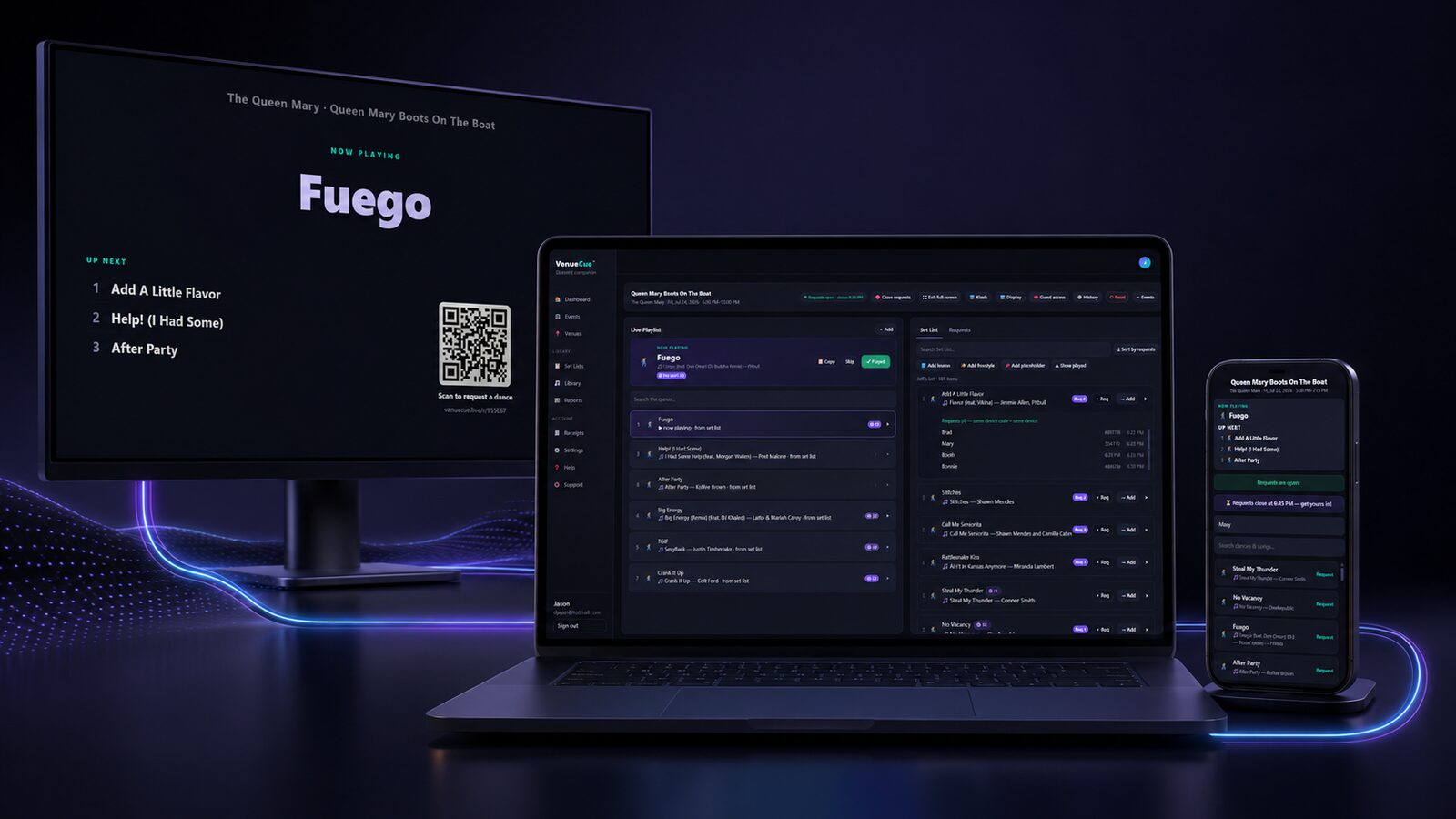
Real audience demand — without the spam.
Guest requests should help the DJ read the room — not overwhelm the booth. VenueCue™ greatly reduces request spamming through configurable request controls, while genuine demand still comes through.
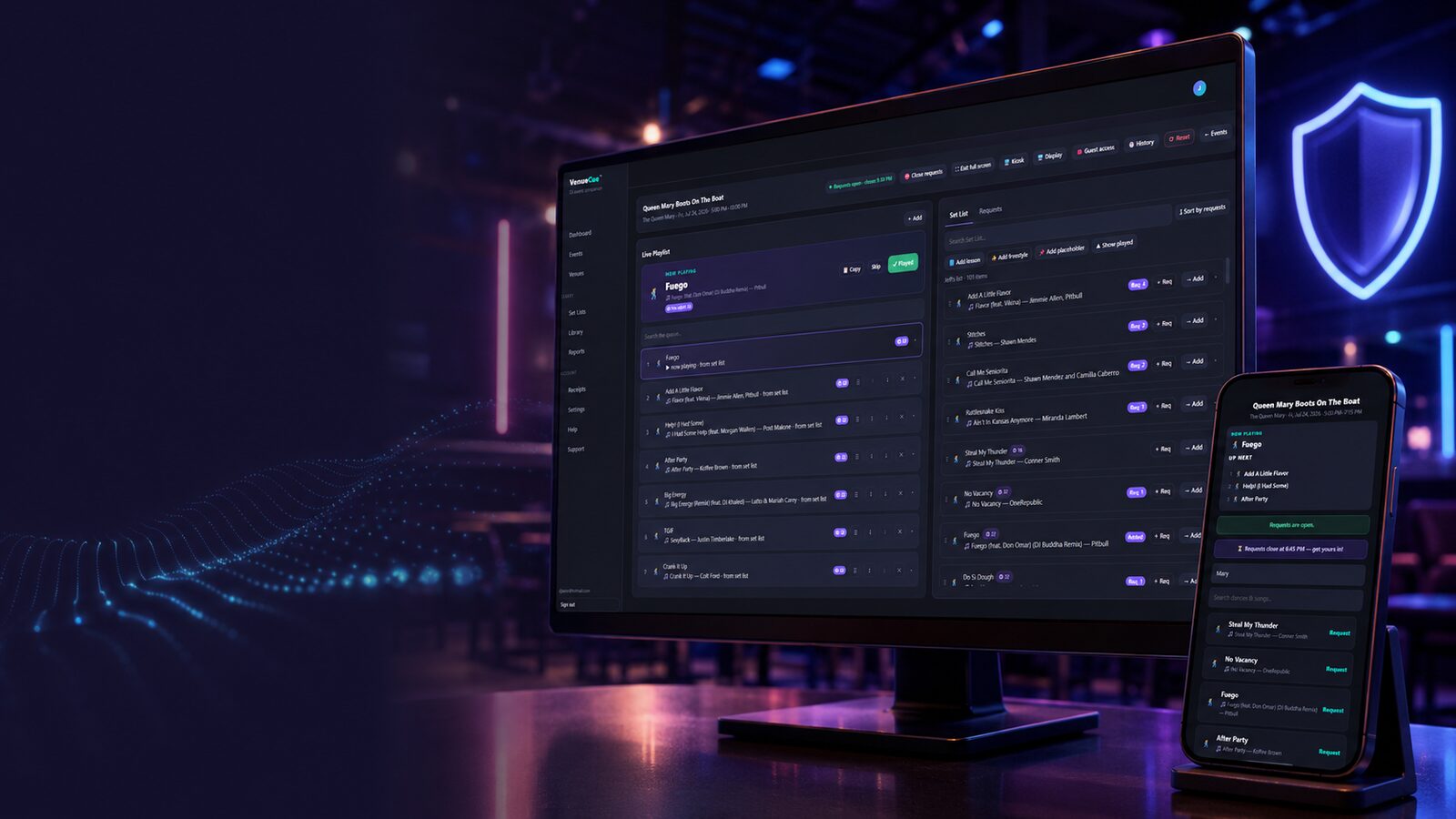
- Limits on how frequently a guest can submit
- Rules for repeated requests for the same dance or song
- Per-device request tracking
- Request windows and cutoff times
- Requests checked against the venue’s location, or a scan of your printed code
- Maximum karaoke requests per singer
- Separate handling once an item has been added or played
- Consolidated request counts instead of repeated individual messages
Guests can still express genuine demand — but repeatedly pressing the request button won’t unfairly dominate the DJ’s screen or automatically control the Playlist.
The Playback Bridge connects the two.
The request list doesn’t have to stop at a list. The Playback Bridge is a small free companion app that runs on the same computer as your DJ software. VenueCue™ talks to it — on your own machine, never over the internet — and it presses the buttons, then reports back what actually played.
- Load and play a chosen song straight from the live Playlist
- Cue the next song automatically as soon as one is marked Played
- Mark items Played from what really played, instead of from memory
- Slow a track down to teach a dance, then hand the tempo back
- Tested and working with VirtualDJ, Mixxx and djay Pro — Serato, Traktor and rekordbox in development
- Free, for Windows and macOS — pairing needs a code you read off your own screen
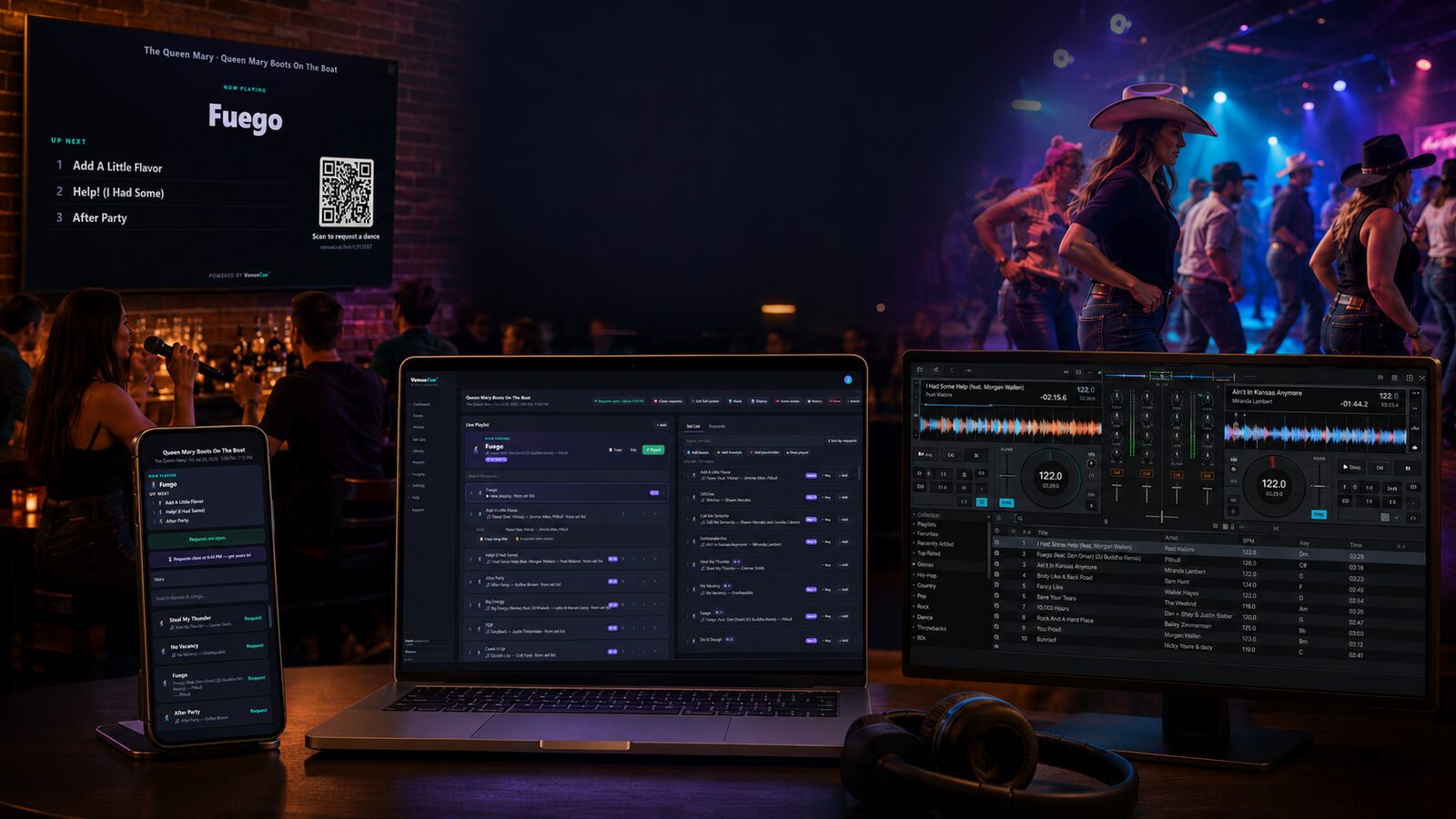
The DJ still chooses the music and controls the performance. How much the Bridge can do depends on how open your software is: VirtualDJ can be driven and read back in full, Mixxx reports its decks but is loaded by hand, and djay Pro can be matched against your own library and loaded from a playlist, though it never reports its mixer. Serato, Traktor and rekordbox take play, cue and tempo as a plain MIDI controller, and we have not tested them yet — Serato is the first thing we take on after launch. See what works with your software →
From guest request to last song, in one flow.
Guests make requests
Scan a QR code or use a shared kiosk to browse the available dances or songs — and, when you allow it, pick which song a dance is done to.
The DJ reviews demand
Requests appear beside the prepared Set List as useful counts — not a wall of duplicates.
The DJ builds the Playlist
Add selected items, reorder, choose the right song, and adjust as the room changes.
The audience stays informed
A public display shows Now Playing and Up Next — without exposing the dashboard.
Every event is recorded — played items, requests, timing, and history stay available for review and future planning.
Pick the room you run.
Karaoke hosts
Create the Book for the night, collect singer requests, cap requests per singer, manage the queue, control the rotation, and show Current and Up Next.
DJs
Collect requests without giving up control of the night — general events and line dance nights, with Set Lists, live Playlists, displays, and supported DJ-software control.
Dancers & singers
Know the dance or song happening now, see what’s next, and request without crowding the booth.
See it in action
Try a click-through preview of the workflow for a line dance night, a karaoke night, or a general event — each includes the guest request view too.
Open the demosControl the requests. Control the Playlist. Control the room.
VenueCue™ is live. Get started and run your next event with it.
Get Started